



How do I connect my ISO-Drive variant NGX-1 to a PC?
When connecting an NGX-1 with an ISO-Drive to a PC there are three options:
Wire a D-type 9-pin connector and cable to your NGX-1’s NMEA 0183 (ISO-Drive) port. Plug that cable in to a standard RS232 port, or a “USB to Serial” adapter cable if your computer does not have an RS232 port.
You might want to consider the Actisense DB9-F if you do not have cables already.
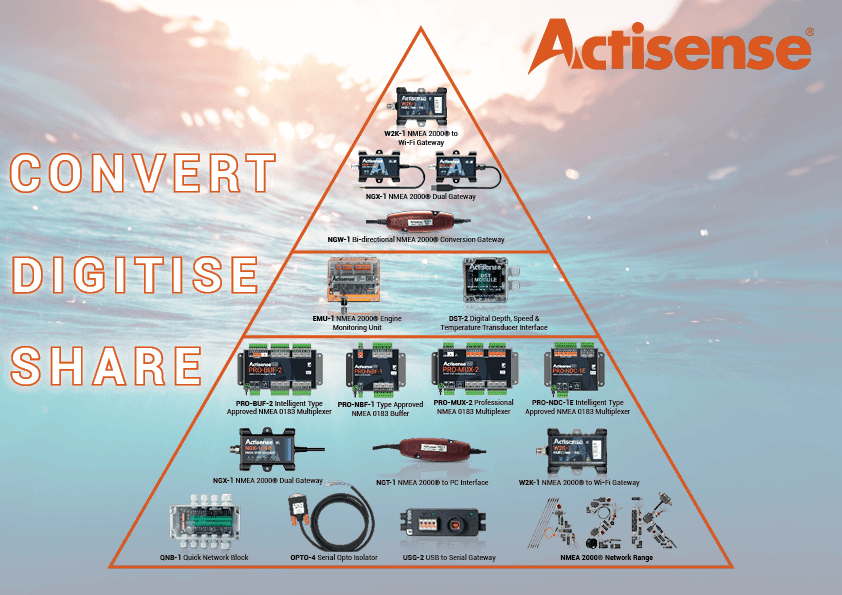
For a quick and easy connection, use the Actisense USG-2 for direct wiring to the NGX-1’s cable terminals whilst keeping your PC safe with 1500 volts of isolation. You can use the USG-2 as a safe way to connect any NMEA 0183 signal to your PC so it is ideal as an “NMEA 0183 diagnostic tool” when used with our freely available NMEA Reader software.
If the NGX-1 is not connected to an NMEA 2000 network, an alternative NGX-1 power source is required: 12/24 volt power can be connected directly to the “Net S” and “Net C” pins on the NMEA 2000 connector.
For more information on NMEA 0183/NMEA 2000 and how it works, please download our free guides here: https://actisense.com/actisense-hub