


 | Published: March 18, 2026 | Updated: March 18, 2026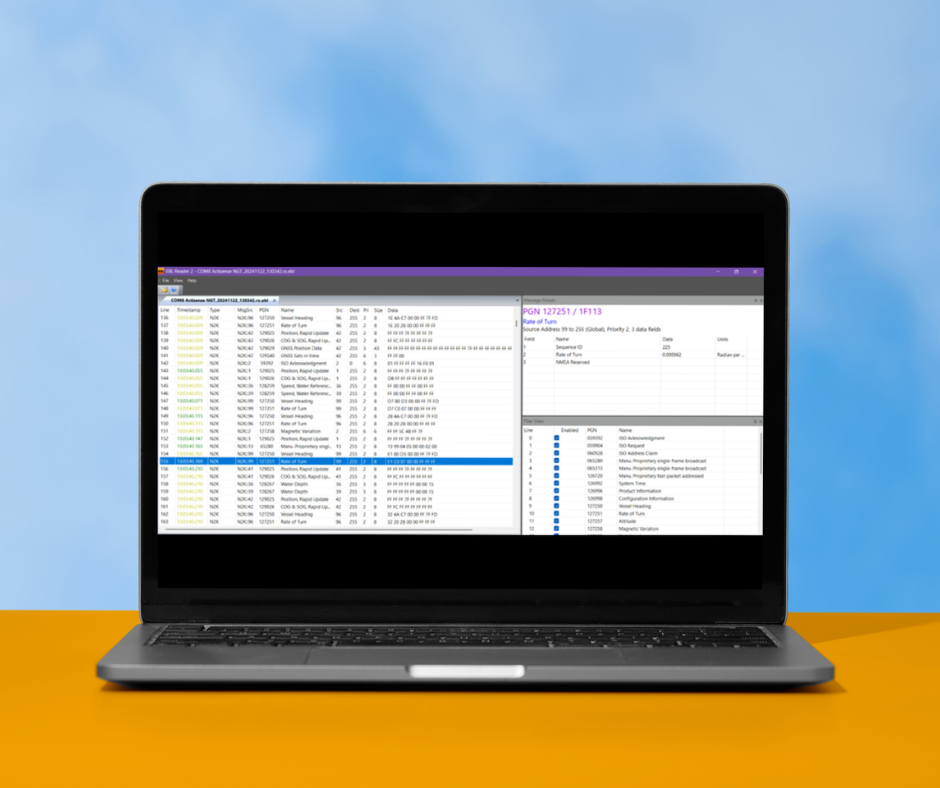
Why data logging is useful
Logging data and reviewing it after a journey is highly beneficial across many applications. Race vessels can analyse performance, fishing vessels can review trip data, and leisure boaters can monitor fuel efficiency and engine information.
Having access to recorded data allows for better diagnostics, optimisation, and decision-making.
Actisense logging capabilities
All Actisense software includes free logging functionality.
-
Log live data using NMEA Reader or Toolkit
-
Analyse recorded data using EBL Reader
This ensures full visibility of your vessel’s network data without requiring additional software or licences.
Logging data in NMEA Reader
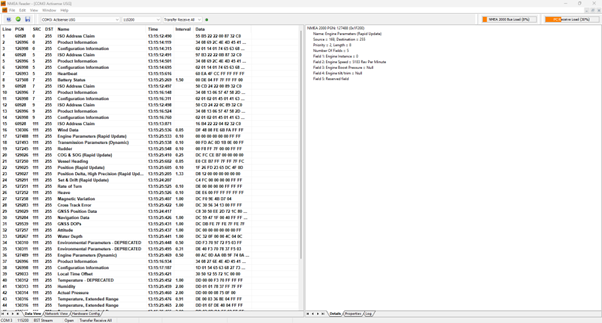
To start logging in NMEA Reader:
-
Click the floppy disk icon to begin logging
-
The software will create an EBL (Electronic Binary Log) file
-
To change the save location, go to:
Edit → Preferences → Choose Log Directory -
Click the floppy disk icon again to stop logging and finalise the file
Logging data in Toolkit
Logging in Toolkit follows a similar process but is enabled via the ribbon menu:

-
Enable logging within the ribbon menu settings
-
Define the log file location within the same area
-
Once enabled, Toolkit will automatically start logging when opened
This is useful for continuous or repeated data capture without manual intervention.
Understanding logged data
Log files provide access to detailed network data. For example:
-
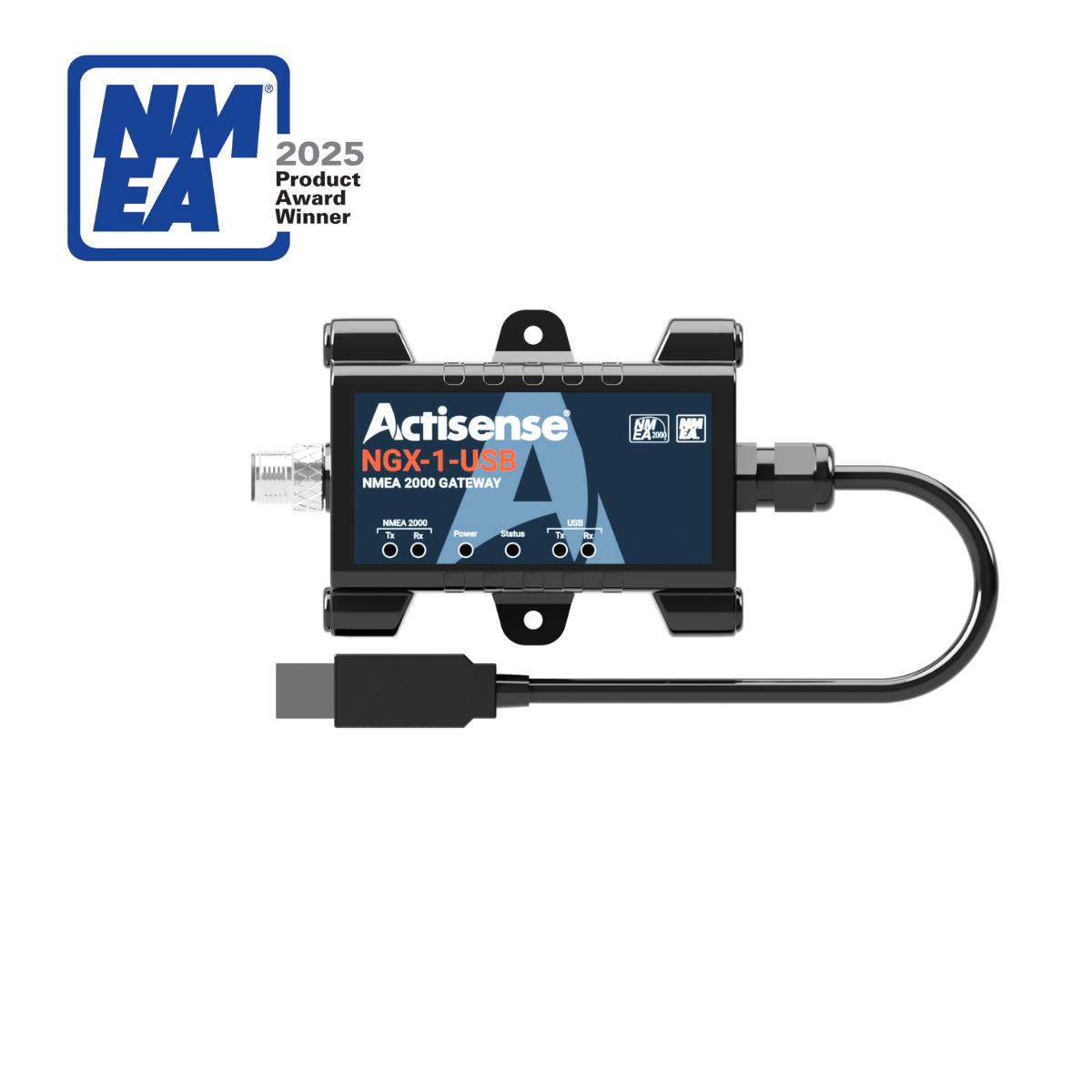
When using an NGX-1-USB to transfer NMEA 2000 data, all PGNs (Parameter Group Numbers) are recorded with timestamps and can be decoded in EBL Reader
-
When using an NGX device in conversion mode, all NMEA 0183 sentences output to the PC are logged
Note: Not all NMEA 2000 PGNs have equivalent NMEA 0183 sentences, so some data may not be present when converting.
Analysing data in EBL Reader
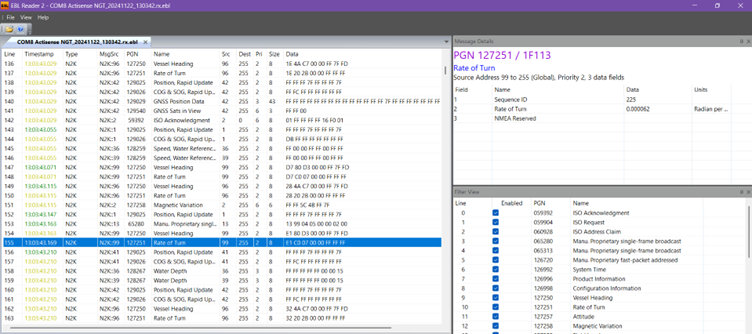
EBL Reader allows you to review and interpret logged data effectively:
-
View PGNs in the order they were received
-
Access precise timestamps
-
See decoded, human-readable values
-
Apply filters to isolate specific PGNs
This makes it easier to work with large datasets and focus on relevant information.
Exporting data for further analysis
EBL Reader supports exporting log files for external analysis:
-
Export as .csv or decoded .csv
-
Open in Excel to create graphs, charts, and reports
Initial setup may require manual configuration, but once a template is created, future datasets can be analysed quickly and consistently.
In summary…
Actisense software makes it straightforward to log, review, and analyse NMEA data from your vessel. With free tools like NMEA Reader, Toolkit, and EBL Reader, you can capture both NMEA 0183 and NMEA 2000 data, review it with timestamps and decoded values, and export it for deeper analysis in Excel.
Whether for diagnostics, performance monitoring, or long-term analysis, data logging provides valuable insight into your vessel’s network.
 How to make sense of NMEA 2000 messaging formats
  I have all this NMEA 2000 data – now what?